


Casinobossy Application
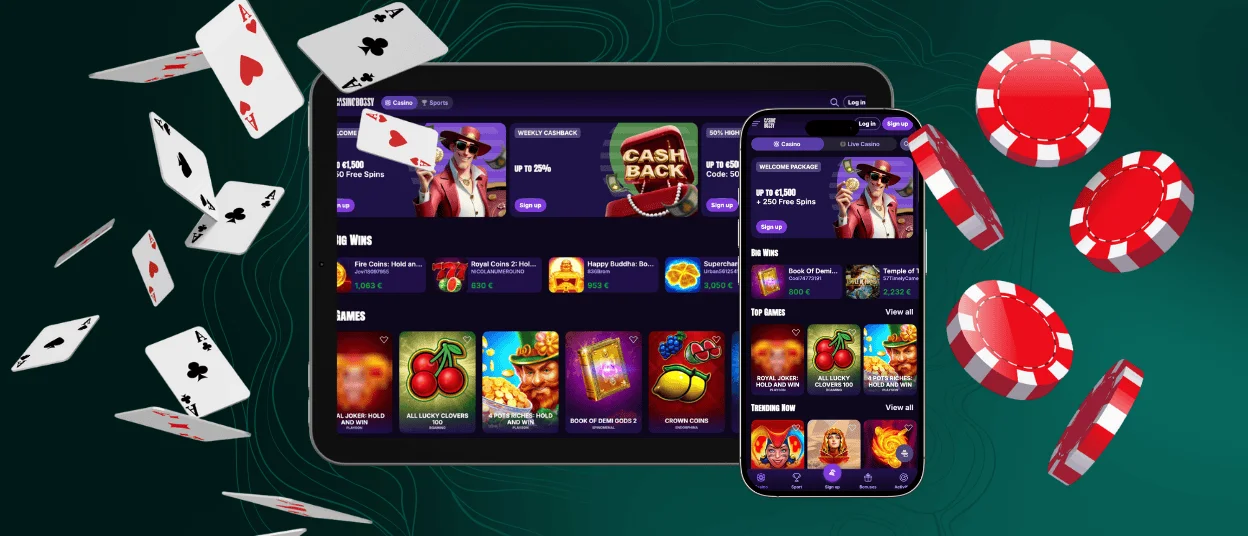
With the Casinobossy app, you’re now free to play on the go at any moment. You’ll only need a mobile device and a stable internet connection. All our users can install the mobile casino within a few minutes. We offer fast loading, easy navigation and a full range of features on your smartphone or tablet. Now users are no longer limited to their home or PC location.



Casinobossy App Features
Every day, more and more users prefer to have an alternative to their favorite PC resources on their mobile devices. This also applies to Casino Bossy. Currently, more than 80% of players use the platform on a smartphone or tablet. Our website is fully compatible with all modern Android and iOS mobile devices.
In addition to the mobile browser version, we offer all our clients the Casinobossy app. It will provide you with quicker access and a more personalized experience. Both the mobile software and the browser version offer you the same intuitive processes, including registration, login and payments. Before you make your first withdrawal on a mobile device, you must also complete the Casinobossy Casino verification process.
The Casino Bossy app can be installed from our official website without taking a lot of time. We regularly test the software and can guarantee the safety of your device and personal data. In the table below, you’ll find more information about the security measures that we use in the app.
| Security measure | Details | Why it matters |
| Encrypted connections | All data exchanged between the app and the servers is protected by TLS encryption. | It prevents unauthorized access and keeps personal data confidential. |
| Secure login sessions | User sessions are protected by secure tokens, which expire automatically. | It reduces the risk of account hijacking. |
| Auto logout protection | Accounts are automatically logged out after periods of inactivity. | Helps protect accounts on shared or unattended devices. |
| Fraud detection monitoring | Real-time systems monitor unusual behavior and suspicious transactions. | Detects and prevents fraudulent activity early. |
| No local data storage | Sensitive account and payment data are not stored directly on the device. | Minimizes risks if the device is lost or compromised. |
Casinobossy App for Android OS
If you’re an Android user and you want to play your favorite games on a mobile device, that’s not a problem. Casinobossy Casino provides you with two convenient options: a mobile website and a dedicated app. No matter what you choose, you’ll get fast loading and a familiar design and navigation, as they are the reflection of the main desktop version.
It doesn’t matter whether you’re an online slots fan or you want to enjoy live casino titles. The whole game collection with over 6,000 options is now available in the Casinobossy app for your smartphone or tablet.
If you would like to try mobile software on your Android device, follow our instructions below to ensure a quick and hassle-free installation:
- Go to the Casino Bossy Casino website in any preferred browser from your mobile device.
- Open the “three dots” menu from the address bar.
- Select the “Add to home screen” option and click “Add” to submit your actions.
- Users can rename the icon and place it anywhere on the home screen.
Casinobossy App – iOS
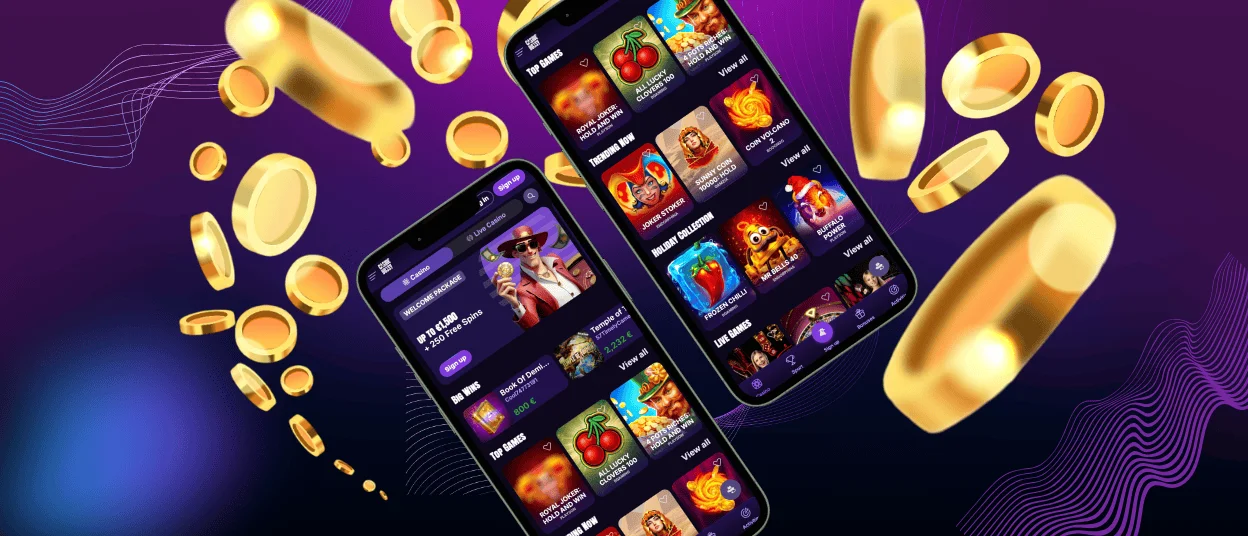
With an iPhone or iPad, you can easily install the Casinobossy application within minutes. You’ll get access to all available functionalities of our online casino, including games, bonuses, payments, responsible gaming tools, customer service and much more.
To install the mobile software, just visit our page in Safari on your smartphone or tablet and create a shortcut using the “Share” button. To personalize your process, you can set up special notifications in the Casinobossy app.
Casino Bossy Casino – Desktop Version
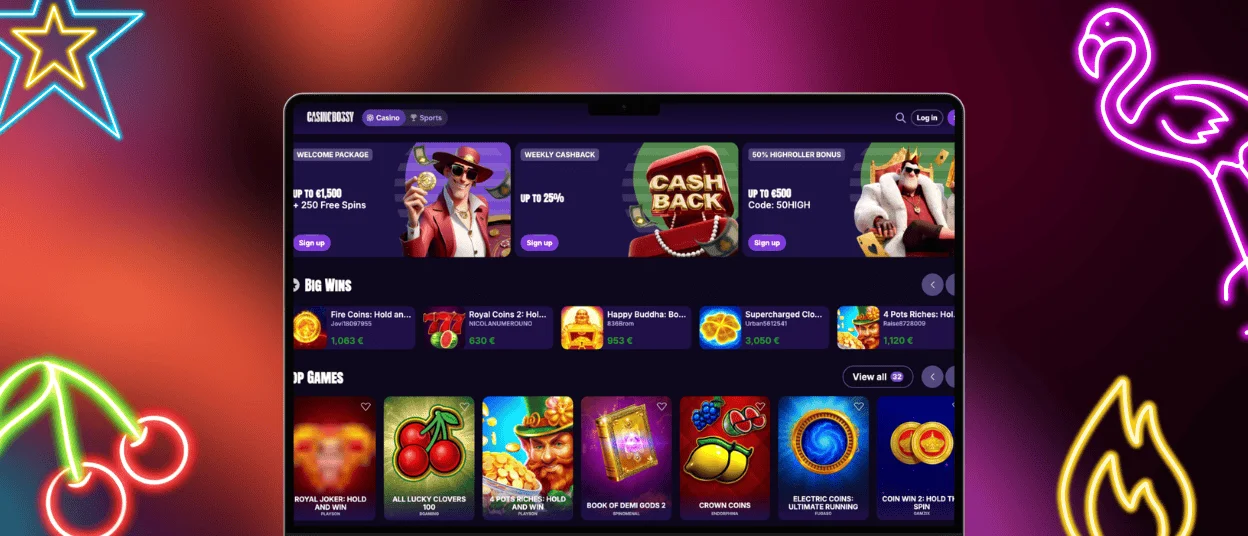
Although the mobile version of Casinobossy Casino is becoming increasingly popular, the PC version remains available to all our users. Combining the two options is also a great idea. Once you log in to your account from any device, all your data, balance and preferences will be synchronized.
Users can install the Casinobossy shortcut icon to have quicker access to the website. Our step-by-step guidance will help you in this process:
- Visit our website from your desktop.
- Click the “More” button in the address bar. It looks like three vertical dots.
- In the list, find “Cast, save, and share” and click “Create shortcut.”
- You can save the default name of the icon or customize it.
- Click “Create” to confirm the process. After that, the Casino Bossy icon will appear on your home screen.
Supported Browsers
The Casinobossy desktop version is fully optimized for modern web browsers. We offer smooth gameplay without requiring any software download. You can use any browser, including Google Chrome, Firefox or Safari. These browsers support advanced graphics and secure, encrypted connections. The website will optimize for your device so you won’t lose anything from your experience.
FAQ
How Do I Update the App to the Latest Version?
Users don’t have to complete any additional actions, as the mobile software of Casinobossy Casino updates automatically. We always notify our players about the changes via push notifications and email.
Can I Use the App on My Tablet?
You can use our application on any modern mobile device, including smartphones and tablets. The design, navigation and functionality will adapt to the screen size and preferences, providing you with an incredible gaming experience.
What Should I Do if the App Crashes or Doesn’t Load Properly?
If something like that happened, please contact our support team via live chat or email. Provide the information about your device and describe the situation. Our Casinobossy Casino managers will check everything and find a solution for you.


